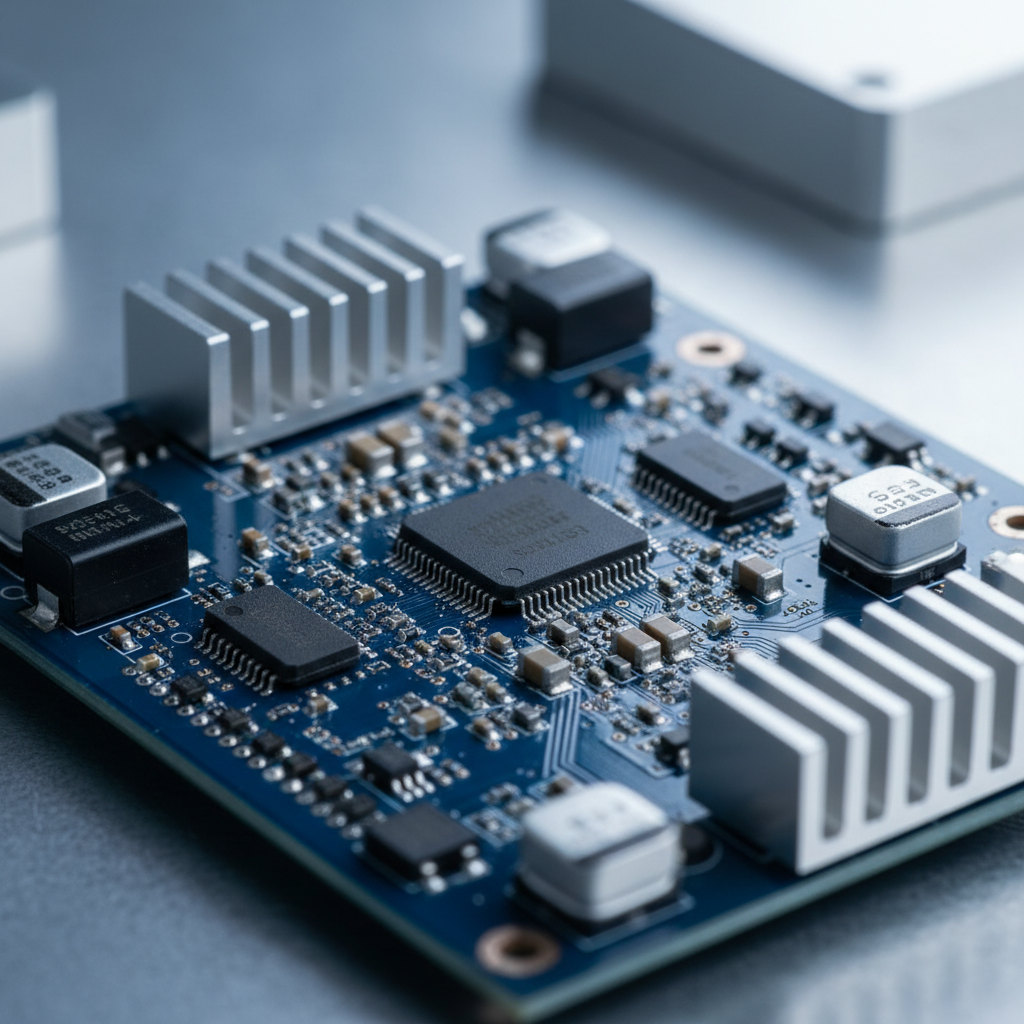
Server storage is about more than choosing a hard drive or solid-state drive. Many servers use multiple drives together to increase performance, improve availability, or provide additional protection against drive failures. A RAID controller can help manage this arrangement.
Before buying a controller, it is important to understand what it does, which RAID levels it supports, and whether it works with your server and drives.
What Is a RAID Controller?
RAID stands for Redundant Array of Independent Disks. It is a method of combining multiple drives into a logical storage arrangement. Depending on the RAID level, this arrangement can improve performance, provide redundancy, or combine both benefits.
A RAID controller manages how data is distributed across the drives. Depending on the controller and configuration, it may also manage drive status, rebuild operations, cache, and alerts.
RAID is not a replacement for a backup. RAID configurations can still lose data because of accidental deletion, malware, controller failure, multiple drive failures, or other problems.
Hardware RAID vs. Software RAID
Hardware RAID controllers
A hardware RAID controller uses dedicated controller hardware and firmware to manage supported drive configurations. Some models include onboard cache memory and may support a battery or flash-backed cache protection module.
Hardware RAID is common in enterprise servers, especially when the server manufacturer provides a controller designed for a specific server family. Features vary by model, so check the manufacturer's documentation before purchasing.
Software RAID
Software RAID is managed by an operating system or software layer rather than by a dedicated hardware RAID controller. It can be a practical option when the operating system supports the desired RAID configuration and the storage hardware is compatible.
Software RAID may offer flexibility and simpler hardware requirements, but performance and management depend on the operating system, CPU, storage devices, and workload.
What Is an HBA?
A Host Bus Adapter (HBA) connects a server to storage devices. Many HBAs present individual drives directly to the operating system or storage software instead of creating hardware-managed RAID arrays.
An HBA can be suitable for software-defined storage, certain file servers, and other configurations that need direct drive access. Some controllers support different operating modes, but not every model supports every mode.
Important: A RAID controller and an HBA are not automatically interchangeable. Check the exact model, supported modes, firmware, drive interfaces, and server compatibility before replacing one.
Common RAID Levels Explained
RAID levels determine how data is distributed across drives and whether the array can continue operating after a drive failure. The following are common examples.
RAID 0: Striping
RAID 0 distributes data across multiple drives. It can improve performance, but it provides no drive-failure redundancy. If one drive fails, the entire array's data may become inaccessible.
RAID 0 is generally unsuitable for important data unless the data is backed up and the risks are acceptable.
RAID 1: Mirroring
RAID 1 writes the same data to two drives. If one drive fails, the other may continue providing access to the mirrored data.
With two equal-capacity drives, usable capacity is typically equivalent to one drive. RAID 1 does not protect against every cause of data loss, so backups are still necessary.
RAID 5: Striping with Distributed Parity
RAID 5 distributes data and parity information across at least three drives. It can tolerate one drive failure while the array remains operational, subject to the controller and array condition.
Rebuilding a failed drive can take time, especially with large drives or heavy workloads. RAID 5 is not suitable for every workload, so evaluate rebuild risks and performance requirements carefully.
RAID 6: Dual Distributed Parity
RAID 6 generally requires at least four drives and can tolerate two drive failures in the array. It provides additional drive-failure tolerance compared with RAID 5, typically at the cost of additional capacity used for parity.
RAID 10: Mirroring and Striping
RAID 10 combines mirrored drive pairs with striping across those pairs. It generally requires at least four drives and can provide strong performance and redundancy. Usable capacity is typically about half of the combined raw capacity when using equal-sized drives.
RAID 10's ability to survive drive failures depends on which drives fail. It does not guarantee that any two failed drives can be tolerated.
How to Choose the Right RAID Controller
1. Check Your Server Model
Begin with the exact server manufacturer, model, and generation. Some servers support only particular controller families, connection layouts, firmware versions, or installation brackets.
Consult the server's documentation or supported hardware list. Do not assume that a controller will work simply because it fits into a PCIe slot.
2. Match the Drive Interface
Check whether your drives use SATA, SAS, NVMe, or another interface. A controller's supported interfaces and protocols determine which drives it can manage.
SATA and SAS drives may share certain connection types, but that does not mean every controller supports both. NVMe storage uses a different storage protocol and may require dedicated PCIe or backplane support.
3. Check the Number of Drive Connections
Estimate how many drives you need now and how many you may add later. Check the controller's supported drive count, internal or external ports, cables, expanders, and server backplane requirements.
A card with multiple connectors does not necessarily support every possible drive configuration. Verify the manufacturer's specifications.
4. Confirm Supported RAID Levels
Not every controller supports RAID 0, 1, 5, 6, or 10. Some models support only selected RAID levels, while others are designed primarily for direct drive access.
Choose based on your actual storage needs rather than assuming all RAID controllers provide the same features.
5. Review Cache and Cache Protection
Some hardware RAID controllers include cache to improve certain write operations. Depending on the model, protected write cache may require a compatible battery or flash-backed cache protection module.
If a used controller is sold without its cache protection components, verify which features remain available and whether the configuration meets your requirements. Never assume that a missing battery or module is included with the card.
6. Verify Firmware and Management Tools
Controller firmware can affect drive compatibility, supported features, monitoring, and configuration. Check whether the required firmware and management utilities are available for your server and operating system.
When buying used equipment, ask for the exact model number and inspect the card's labels and connectors. If possible, confirm its working condition and firmware details before installation.
Can You Replace a RAID Controller?
Replacing a RAID controller requires care. Existing arrays may depend on controller-specific metadata, firmware, or supported migration features. Moving drives to another controller does not guarantee that the new controller will recognize the array.
Before replacing a controller, document the existing configuration and verify the manufacturer's migration guidance. Make a separate, verified backup of important data before making changes.
- Record the controller's exact model and firmware.
- Document the RAID level and drive arrangement.
- Check compatibility with the replacement controller.
- Back up important data and verify that the backup can be restored.
- Follow the server and controller manufacturer's migration instructions.
RAID Controller Buying Checklist
Before Purchasing, Verify These Details
- Exact controller model and part number
- Compatibility with your server generation
- Supported SATA, SAS, or NVMe storage interfaces
- Supported RAID levels or HBA operating mode
- Required cables, connectors, and backplane compatibility
- Drive-count limits and expansion requirements
- Cache memory and required cache protection components
- Firmware and operating system support
- Physical condition and seller's description of the item
- Return policy and any included accessories
Final Thoughts
The right RAID controller depends on your server, storage interfaces, workload, redundancy requirements, and preferred storage management method. A controller designed for one server family may not be the best fit for another.
Verify the exact part number and technical specifications before buying. Most importantly, remember that RAID helps manage drive availability but does not replace a separate backup strategy.